Clothing photos without a model: every way to show your garments (and which one pays off)
How do you shoot clothes without a model for your online store? We compare flat lay, ghost mannequin and AI-generated models: costs, results and when to use each.
You have the collection ready, the online store set up, and the usual thing is missing: the photos. Hiring a model, a photographer and a studio every season doesn’t work on budget or timing, so the question comes up on its own: how do I shoot clothes without a model and still sell?
There are several ways to solve it, and they don’t all serve the same purpose. Here’s the full map. If you also want the step-by-step on taking those photos, we cover it in how to photograph clothes to sell online.
Flat lay: the garment laid out
It’s the most accessible option: the garment spread on a flat surface, shot from above. With even natural light and a clean background you can get a tidy result with a phone.
Works for: T-shirts, sweatshirts and simple garments, especially on social, where the “homemade editorial” style has its own code.
The limit: the garment has no body. You can’t see how the fabric falls, the real length or how it looks on, which is exactly what customers need to know before buying. For a product page, a flat lay alone usually falls short.
Ghost mannequin: the 3D effect without a body
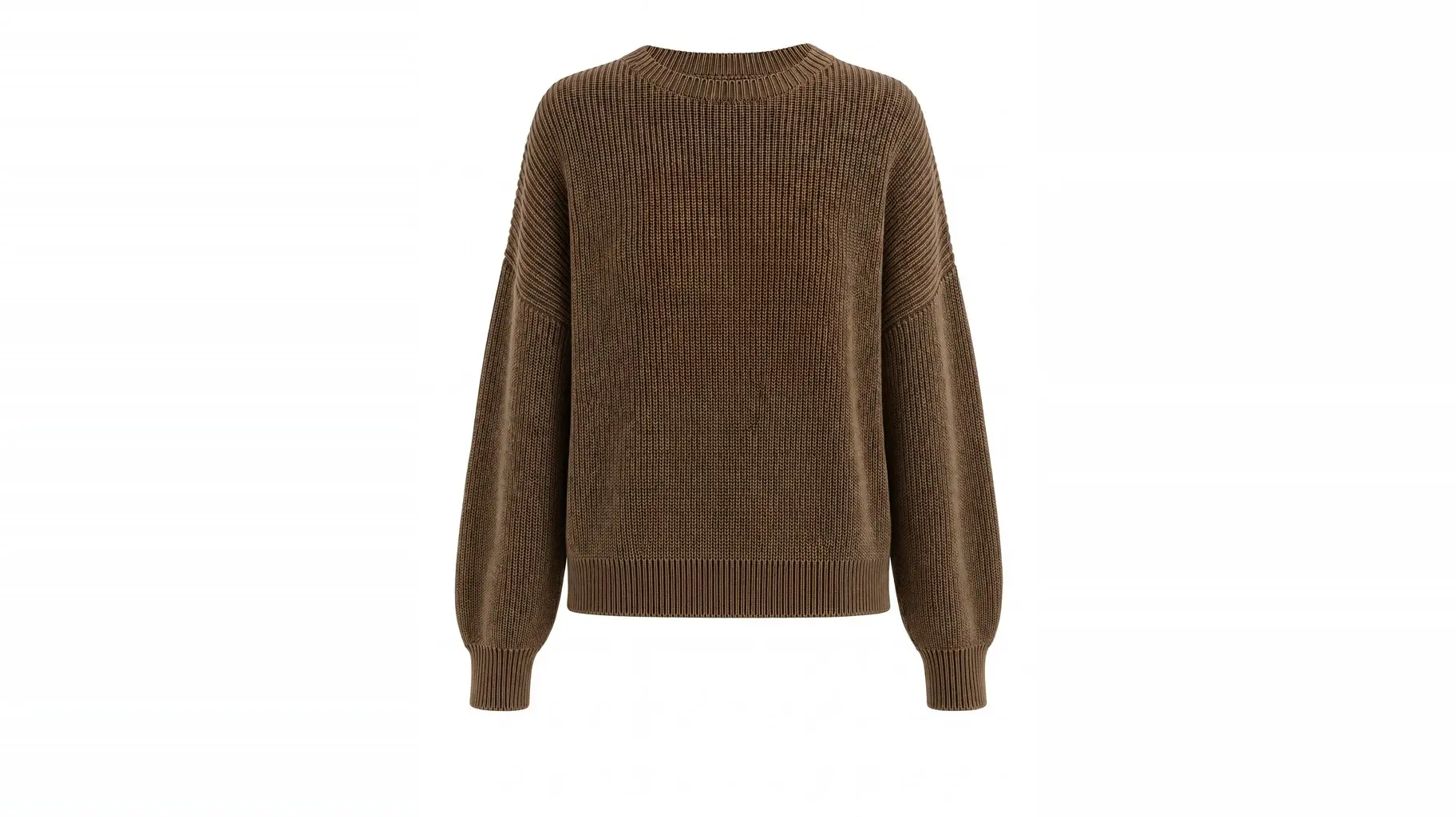
The “ghost mannequin” is a catalog classic: the garment is shot on a mannequin and the mannequin is then removed in editing, leaving the garment with volume floating on a white background.
Works for: marketplaces and catalogs that require a white background and absolute consistency across hundreds of products.
The limit: you need the mannequin and editing for every photo, and the result is cold on purpose. It shows the garment but doesn’t sell the look: no context, no attitude, no campaign. And the per-photo editing cost multiplies fast as the catalog grows. If you want to do it right, the step-by-step is in how to get the invisible mannequin effect.
Hangers: the minimum viable option
Shooting the garment on a hanger is fast and cheap, which is why it’s so common in wholesale or clearance sales. But it’s also the option that sells the least: the garment looks distorted by the hanger and gives no reference of how it looks on. If the goal is a store that competes seriously, treat it as plan B, not the standard.
AI-generated models: the on-model photo, without the shoot
The new option changes the question at the root: instead of avoiding the model, it generates one. You upload the simple photos you already have of your garments (even a flat lay or a mannequin shot) and the platform produces photorealistic images of those same garments worn by AI-generated models, in the setting and with the aesthetic you define.
The result is the kind of photo that used to require a full production: the garment with real drape on a body, in context, with consistent art direction across the whole catalog. And since there’s no shoot, generating photos for the whole collection takes minutes, not weeks.
Works for: product pages, collection lookbooks, campaigns and ads, everything that used to depend on the photoshoot.
The limit: garment fidelity is non-negotiable. The generated image has to respect the real texture, color and fit, because a pretty photo that promises something different from what arrives at the door ends in returns. It’s the point that separates a serious tool from a toy, and where you should look closely before choosing a platform: the six criteria to evaluate them are in AI models for clothing.
Which one pays off?
It depends on what each photo is for:
- Social with its own aesthetic → a well-made flat lay.
- Marketplace with white-background requirements → ghost mannequin.
- Product page, lookbook and campaign → a model, and today that no longer requires a shoot: AI-generated models.
The most efficient combination for a brand selling online is usually that last one: keep a simple base made at home, and produce with AI everything that needs a body and context.
What the workflow looks like with Curva
In Curva the process is straightforward: you upload photos of your garments, define your brand’s style once, and produce photos and videos of the whole collection ready to publish, with no studio, no photoshoot and no depending on anyone’s schedule. If you’re building your catalog now, start now and try it with your own garments.